
Staying organized as a student can feel overwhelming — between assignments, deadlines, lectures, and personal goals, it’s easy to lose track of everything.
Notion is one of the most powerful free tools students are using today to bring all of that chaos into one clean, organized workspace. Whether you’re in high school, university, or doing online courses, Notion can completely transform how you study and plan.
In this guide, you’ll learn what Notion is, why students love it, the best templates to get started, and a simple step-by-step setup guide.
What is Notion?
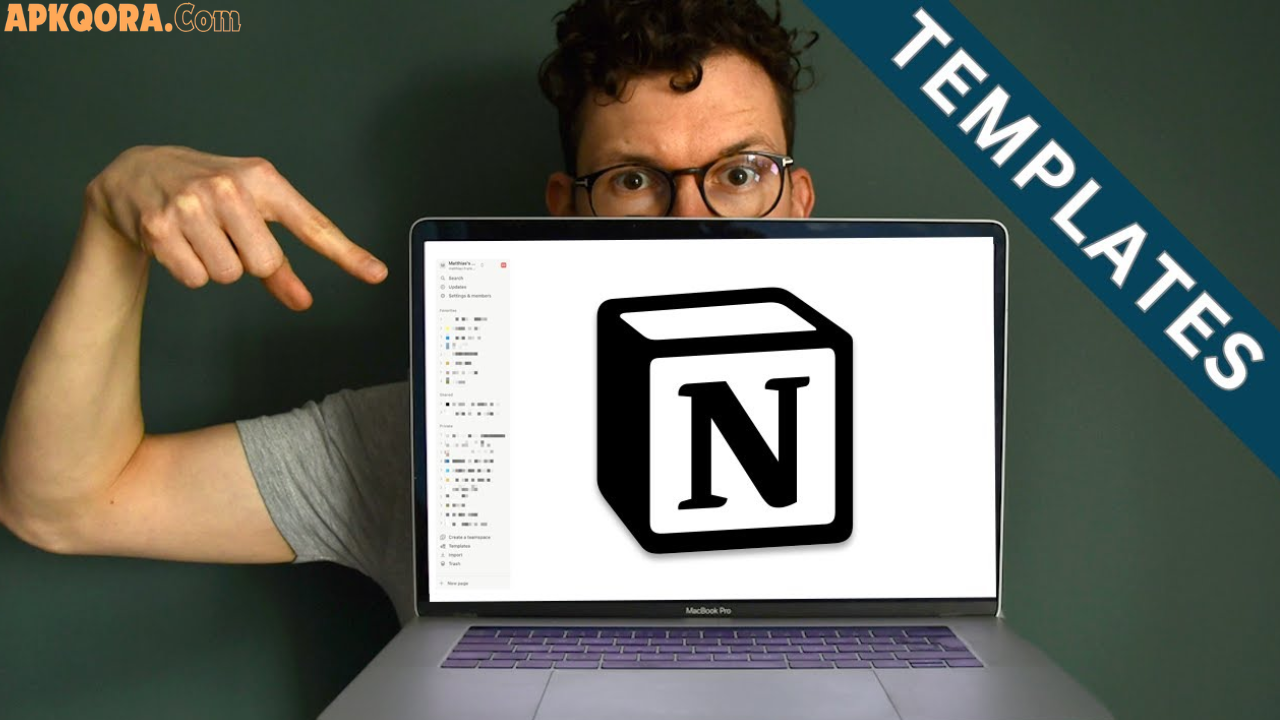
Notion is an all-in-one digital workspace where you can take notes, manage tasks, build databases, and organize your entire academic life — all in one place.
Think of it as a mix between a notebook, a planner, a to-do list, and a filing cabinet — but smarter and fully digital.
It works on any device (phone, tablet, laptop) and is free for personal use, which makes it perfect for students worldwide.
Key Benefits of Using Notion as a Student
Notion isn’t just another note-taking app. Here’s why students around the world are switching to it:
- Everything in one place — notes, tasks, calendars, and resources all live together
- Highly customizable — build your workspace the way you think
- Free to use — the free plan covers everything most students need
- Cross-device sync — access your work from any device, anywhere
- Collaboration-friendly — work on group projects with classmates in real time
- Beautiful and distraction-free — clean interface that helps you focus
- Templates available — you don’t need to start from scratch
Whether you’re tracking assignments or building a personal knowledge library, Notion adapts to your workflow.
Best Notion Templates for Students
One of the biggest advantages of Notion is its huge library of ready-made templates. Here are the most useful ones for students:
1. Student Dashboard Template
This is the most popular starting point. A student dashboard gives you a bird’s-eye view of your entire academic life — upcoming deadlines, current courses, weekly goals, and quick notes — all on one page.
Best for: Getting a complete overview of your studies at a glance.
2. Assignment Tracker Template
Never miss a deadline again. This template lets you log every assignment with its due date, subject, priority level, and status (not started, in progress, done).
Best for: Students juggling multiple subjects or courses.
3. Class Notes Template
This template gives each subject its own structured page with sections for lecture notes, key terms, summaries, and review questions.
Best for: Organizing notes by subject and preparing for exams.
4. Study Planner Template
A weekly or monthly study planner helps you break big goals into daily tasks. You can block time for studying, revision, and breaks.
Best for: Students preparing for exams or managing long-term projects.
5. Book and Resource Tracker
Keep a record of every textbook, article, video, or resource you’ve used. Add ratings, summaries, and links so you can find everything quickly.
Best for: Research-heavy subjects and thesis writing.
6. Goal Setting and Habit Tracker
Set academic goals at the start of each semester and track daily habits like reading, revision, or exercise that support your studies.
Best for: Students who want to build consistency and discipline.
How to Set Up Notion as a Student (Step-by-Step)
Getting started with Notion takes less than 15 minutes. Here’s a simple guide:
Step 1 — Create a Free Account
Go to notion.so and sign up with your email (or student email for extra benefits). The free plan is more than enough to get started.
Step 2 — Set Up Your Main Dashboard
Create a new page and call it “My Student Hub” or “Study Dashboard.” This will be your home base where everything connects.
Step 3 — Add Your Core Sections
Inside your dashboard, add the following blocks:
- 📚 Courses — a list or table of all your current subjects
- 📝 Assignments — a tracker for tasks and deadlines
- 📅 Weekly Planner — a simple calendar or schedule view
- 🗒️ Notes — linked pages for each subject
- 🎯 Goals — your semester or monthly targets
Step 4 — Use a Template (Don’t Start from Scratch)
Click on “Templates” inside Notion and search for “student.” Pick one that fits your style and customize it to your needs.
Step 5 — Build a Habit of Using It Daily
The key to making Notion work is opening it every morning. Spend 5 minutes reviewing your tasks, adding new notes, and checking upcoming deadlines.
Step 6 — Explore Databases for Advanced Use
Once you’re comfortable, try turning your assignment list into a database with filters, tags, and views. This makes sorting by subject, priority, or deadline incredibly easy.
Notion vs. Other Student Tools
| Feature | Notion | Google Docs | OneNote | Evernote |
|---|---|---|---|---|
| Free Plan | ✅ Yes | ✅ Yes | ✅ Yes | Limited |
| Templates | ✅ Excellent | Basic | Basic | Limited |
| Task Management | ✅ Built-in | ❌ No | ❌ No | Limited |
| Database Support | ✅ Yes | ❌ No | ❌ No | ❌ No |
| Collaboration | ✅ Yes | ✅ Yes | ✅ Yes | Limited |
| Customization | ✅ High | Low | Medium | Low |
Notion stands out because it combines note-taking, task management, and databases in one place — which no other free tool does as well.
Pros and Cons of Using Notion for Students
✅ Pros
- Completely free for individual use
- Flexible enough to work for any subject or study style
- Great template library saves setup time
- Works on all devices with automatic sync
- Encourages better organization and time management
❌ Cons
- Can feel overwhelming for first-time users
- Requires some time to set up properly
- Offline access can be limited on the free plan
- Too many customization options can become a distraction
Practical Tips to Get the Most Out of Notion
Here are some real-world tips that students who use Notion daily swear by:
Keep it simple at first. Don’t try to build the “perfect” workspace on day one. Start with just an assignment tracker and expand from there.
Use emoji to organize pages. Adding a small emoji to each page (📚 for notes, ✅ for tasks) makes navigation faster and more visual.
Link your pages together. In Notion, you can mention any page inside another page. This creates a connected web of notes that’s easy to navigate.
Review every Sunday night. Spend 10–15 minutes each week reviewing what’s done, what’s coming up, and adjusting your plan. This keeps you ahead of deadlines.
Use the web clipper. Notion has a browser extension that lets you save articles, research, and web pages directly into your workspace.
Color-code your subjects. Assign a different color to each subject so you can instantly recognize what belongs where.
Frequently Asked Questions (FAQs)
Q1: Is Notion really free for students? Yes. Notion’s personal free plan includes unlimited pages, notes, and basic features. There is also a free Notion Education plan for verified students that unlocks extra features.
Q2: Can beginners use Notion without any technical skills? Absolutely. Notion is beginner-friendly, especially if you start with a ready-made template. You don’t need any coding or tech experience.
Q3: What is the best Notion template for university students? The Student Dashboard template is the most recommended starting point. It combines your courses, assignments, notes, and planner in one organized page.
Q4: Can I use Notion on my phone? Yes. Notion has apps for both Android and iOS, and everything syncs automatically across your devices.
Q5: How is Notion different from just using Google Docs? Google Docs is great for writing documents, but Notion goes much further — it lets you build databases, track tasks, link notes together, and organize your entire study life in one workspace.
Conclusion
Notion is one of the best tools a student can have in their academic toolkit. It’s free, flexible, and powerful enough to replace five different apps at once.
Whether you need a simple assignment tracker or a complete study system with linked notes and habit tracking, Notion can handle it all.
The key is to start small, build slowly, and make it a daily habit. Once your system is in place, you’ll wonder how you ever studied without it.
👉 Get started with Notion today and explore the student templates — your future organized self will thank you.z